
0 krThe product

From the phone call to the paid invoice.

Field Ops runs the day of a trade company: a job comes in, gets planned, is done from the phone in the van and ends as an invoice. The daily work is free for everyone in the company, with no end date. Four packages each take one more job off your hands.

0 kr · No end date · No card

Free. The whole daily loop.

Illustration: a job whose SJA must be filled in before it can be started. Once the three checks are ticked, Start job becomes available.

Illustration

Free is not a trial and it does not run out. Every person in the company gets a login, no card is asked for, and everything below has no limit.

Office, field, part-time and apprentices all get a login, in Norwegian, Swedish or English.

Start free

Jobs and planning

  • Jobs: create, assign, prioritise, tag, and track them through statuses from New to Completed.
  • Repeating jobs, for a service that comes back every week or every month.
  • The work-order list, the Kanban board, the job map and the dispatch board.
  • Put jobs on people by hand: a worker, a date and a time window on each job.
  • Materials used on each job.
  • An overview screen: what is running now, and what needs attention.

Customers, sites and equipment

  • Customer register with contacts and organisation number.
  • Sites with map position, hazards and the job history for that address.
  • Gate, alarm and key-box codes stored encrypted, revealed with an audit trail.
  • Equipment register: what is installed where, with its documents.

The app in the van

  • The full iOS and Android app, not a cut-down version.
  • No signal: photos, notes and forms queue and sync afterwards.
  • Photos on the job, and the customer's signature on completion.
  • Clock in and out, for every person, with no limit.

Forms and the safety gate

  • Form library, and filling in forms on the web and on the phone.
  • Build your own forms: sections that appear only when an answer calls for them, repeating sections and calculated fields.
  • A job that needs a risk assessment or an SJA cannot be started until that form is filled.
  • A hazard answer on a form can ask for a certificate and attach a checklist.

Talking to each other and to the customer

  • One-to-one chat between the office and the crew, with push notifications.
  • Notes on each job, so what was said stays with the work.
  • A job-status page you send the customer — they need no login.

HMS

  • The HMS handbook, with section editor and version history, and the basic checklists.
  • The handbook translated with AI into the languages your crew reads; the original stays the version that counts.
  • Anyone in the crew can report an avvik (RUH) from the phone, with photos.

Every month on Free

The rest comes with a monthly allowance.

Each package keeps a small allowance on Free, so you can use it before you decide. The count starts again each month, and reaching an allowance never blocks what you have already made.

  • 5 route optimisations — Work Plan
  • 3 inspections or audits — Work Safety
  • 1 timesheet approval batch — Time Tracking
  • 5 quotes and invoices, combined — Billing & Invoicing
  • 3 customer sign-offs — unlimited with any package
  • 10 forms scanned from paper or drafted from a description
  • 10 AI handbook drafts — the first full handbook draft does not count
  • 50 questions to the assistant

Everything AI produces is a draft for you to review. Form scans, AI handbook drafts and assistant questions have no monthly ceiling with Complete.

Fair use, on every account

Three things we pay for per unit.

Chat, push notifications and email are not metered. Reaching a limit never deletes anything.

How fair use works →

Four packages

Each package takes one job off your hands.

Buy one, several, or all four as Complete. Every package is on for your first 30 days, with no card. After that, a package you have not bought keeps its monthly allowance on Free.

Work Plan

Stop planning tomorrow by hand.

99 kr per active field worker per month, ex. MVA

The problem
A customer moves their job, a borettslag rings at 07:20 with water coming through a ceiling, and a montør is off sick. Time windows, skills, absences and the drive between jobs are more than anyone can hold in their head.
What it replaces
Rebuilding the morning on the phone, one call at a time.

On Free: 5 route optimisations a month. Planning by hand on the dispatch board stays unlimited.

See all prices →

Illustration: the optimiser places six jobs on three workers, names one job it could not place and why, and the plan waits until someone approves it.

Illustration

The day

  • Route optimisation that honours time windows, skills, shifts and travel time between jobs. Google OR-Tools does the maths, not a language model.
  • The plan waits for you: approve all of it, part of it, or none.
  • Jobs that will not fit are named before the day starts, with the reason.
  • Type “optimise today” or “who is available today” instead of clicking through it.
  • Re-run the optimiser every time the day changes.
  • For companies with ABAX vehicle tracking: live vehicle positions on the dispatch map, and a job that starts when the van arrives — off until you switch it on.

Projects and change cases

Illustration: a change case where the notice has been sent and the client has accepted the change and the days, while the answer on the money is still awaited.

Illustration
  • Projects with milestones, dependencies, budget, a risk log, an issue tracker and documents, grouping the jobs that belong together.
  • Change cases under NS 8405, 8406, 8407 and 8415–8417, and for private customers under håndverkertjenesteloven and bustadoppføringslova.
  • The notices the contract calls for, pre-written with the clause they rest on.
  • The client answers the change, the days and the money separately — recorded by hand or on a signing link.
  • A deadline radar that reminds you before a notice or an answer goes stale.
  • Weekly regningsarbeid timesheets, prefilled from the hours logged and, for ABAX-tracked vans, vehicle time; sent as a PDF with an objection deadline.
Work Safety

Do the HMS on the job, not on Sunday evening.

69 kr per active field worker per month, ex. MVA

The problem
Three people ask for your documentation: the byggherre at handover, Arbeidstilsynet at the gate, and the customer who wants to know what was checked, on which day and by whom, before the last invoice is paid.
What it replaces
The HMS binder, and the evening spent catching up on it.

On Free: 3 inspections or audits a month. Reporting an avvik, the HMS handbook and the basic checklists stay free.

See all prices →

Illustration: a finding on a scaffold inspection becomes an avvik with its own frist.

Illustration

Avvik and inspections

  • Avvik (RUH) investigated and closed in the office, with corrective actions.
  • Inspections and audits with checklists, findings and photos, exported as a PDF.
  • Suggested TEK17 references on checklist points, for you to approve.
  • Register a tilsyn, a byggherre visit or a certifier's control: each finding becomes an avvik with its frist, and the record stays open until the last one is closed.

People and substances

  • Certificates and course cards (kursbevis) per worker, with a warning before one runs out.
  • Lone-worker sessions with check-ins, an escalation chain and a hold-to-confirm SOS.
  • Chemical register (stoffkartotek).
  • Training records, and the training each role or skill requires.

Time Tracking

Hours come in from the field. They go out as a payroll file.

69 kr per active field worker per month, ex. MVA

The problem
The paper timelister come in late, one montør sends hours by SMS and another writes nothing at all. Someone works out who was where, adds up the overtime and types it all again into the payroll system.
What it replaces
Paper timelister, and hours sent by SMS.

On Free: Clocking in and out stays unlimited for everyone, plus 1 timesheet approval batch a month. Payroll export is not on Free.

See all prices →

Illustration: a week of hours, submitted by the worker and then approved in the office.

Illustration

What it adds

  • Timelister submitted by the crew and approved in the office, so each week is closed once.
  • Absences — holiday and sick leave — requested and approved in the same place.
  • Payroll export as CSV, in the Visma, Tripletex and Fortnox formats.
  • Hours straight to Tripletex payroll. Visma Payroll Norway, TransPA and PowerOffice Go coming soon.

Billing & Invoicing

From finished job to sent invoice in one pass.

99 kr per active field worker per month, ex. MVA

The problem
The job finished on Tuesday. The hours are in a text message and the materials on a delivery note in the van, and two weeks later someone rebuilds it all — whatever cannot be reconstructed is never billed.
What it replaces
Rebuilding the job from text messages and delivery notes before it can be invoiced.

On Free: 5 quotes and invoices a month, combined. Putting materials on a job stays unlimited.

See all prices →

Illustration: a completed job becomes a draft invoice with labour, materials and MVA, ready to send as PDF or EHF.

Illustration

Quotes and invoices

  • Quotes with an approval page the customer accepts without logging in.
  • Invoices with MVA and KID, as PDF and as an EHF/UBL file.
  • A completed job turned into a draft invoice: the materials used, and labour from the hours booked to the job if you also have Time Tracking.
  • Several jobs on one invoice.
  • Record payments, part-payments and refunds.

Prices and agreements

  • A price catalogue on the job; scan in an existing price list.
  • Service agreements with recurring work and an SLA countdown.

Save 41 %

Complete

All four packages. One price, one invoice.

Work Plan, Work Safety, Time Tracking and Billing & Invoicing together, with two things no single package has.

  • All four packages, on one invoice.
  • The public API (OAuth2) and signed webhooks, for your own systems.
  • No monthly ceiling on form scans, AI handbook drafts or assistant questions.
  • Customer sign-offs without a monthly limit.
199 krinstead of 336 kr

per active field worker per month, ex. MVA

Start freeSee all prices →

Straight answers

Before you decide.

01Do I need Work Plan to plan the day at all?

No. Putting jobs on people by hand — a worker, a date and a time window on each job — is free for everyone in the company, with no end date and no card, along with the work-order list, the Kanban board, the job map and the dispatch board. Work Plan is for the person who spends the first hour of every morning moving jobs around on the phone.

02We are already an ABAX customer. Does that change anything?

With ABAX vehicle tracking and Work Plan, your vehicles appear live on the dispatch map, and a job can start automatically when the vehicle arrives on site (off by default). You can sign in with your ABAX account. Prices are the same.

03How is AI used, and who stays in control?

AI output is always a draft for you to review. Scanned forms, HMS handbook sections and suggested TEK17 references must be approved before they are used, and the handbook is a starting point, not a compliance certificate. Route planning uses a mathematical optimiser (Google OR-Tools), not a language model, and a plan takes effect only when you approve it. Automated actions are off by default, and all changes, including those made by an assistant, are recorded in the audit log.

04Can we export our data?

Yes, without contacting us. Customers export as CSV; invoices, quotes, inspection reports and signed documents as PDF; invoices also as EHF/UBL. With Time Tracking, hours export in the Visma, Tripletex and Fortnox formats. Complete includes a public API (OAuth2) with signed webhooks.

05Where is our data stored, and how is GDPR handled?

Data is stored in the EU on Google Cloud. You are the data controller and we are the processor; the data processing agreement and privacy statement are published on this site. Site access codes are encrypted, access is controlled through four roles, and changes are recorded in an audit log.

06We already use an accounting or payroll system.

Field Ops works alongside it. With Time Tracking, hours export as payroll files for Visma, Tripletex and Fortnox. Invoices export as PDF and EHF/UBL, and Complete includes an API for other integrations.

07What do we need to install?

Nothing in the office; Field Ops runs in the browser. Field workers install the iOS or Android app from their invitation.

08How do we get started if everything is in spreadsheets?

Enter your organisation number and the company details are fetched from Brønnøysundregistrene. A short setup wizard follows. Customers, sites and workers can be imported from a spreadsheet; the importer previews every change before saving and never deletes existing records.

Questions about a package? Talk to us →

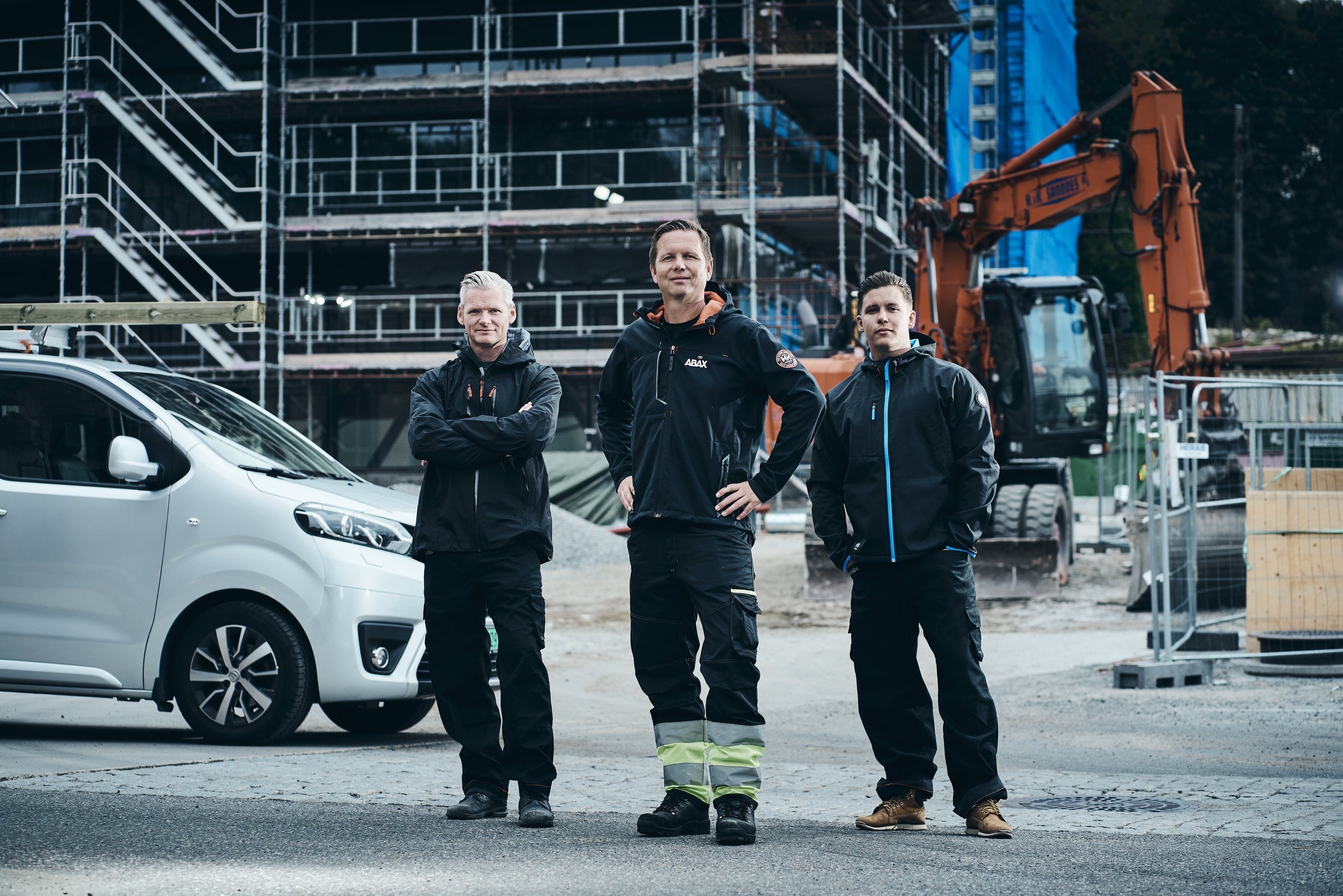
A three-person crew beside their van on a building site

Start free, and add a package when the work asks for it.

Enter your organisation number, answer four setup questions and create your first job. Nothing to install in the office; the crew installs the app from their invitation.

Every package is on for your first 30 days. After that, packages cost from 69 kr per active field worker per month, ex. MVA.

No card required · Data stored in the EU · Cancel any time